How to Uninstall a Chrome Extension
Follow these steps to uninstall a Chrome extension from your browser:
-
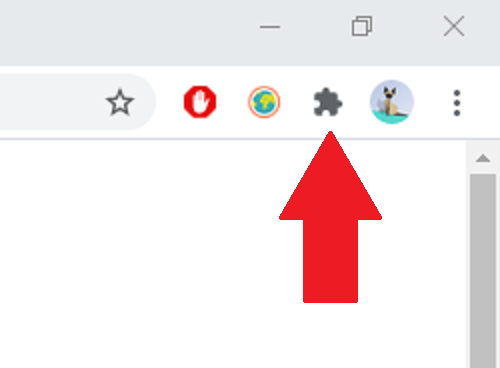
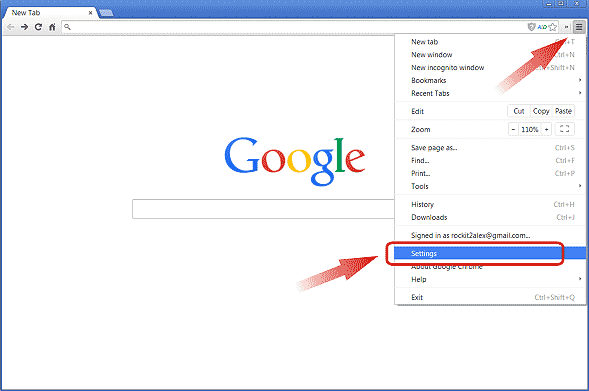
Open the Chrome browser and click on the three-dot menu in the top-right corner.
-
Go to Extensions by navigating to More Tools > Extensions.
-
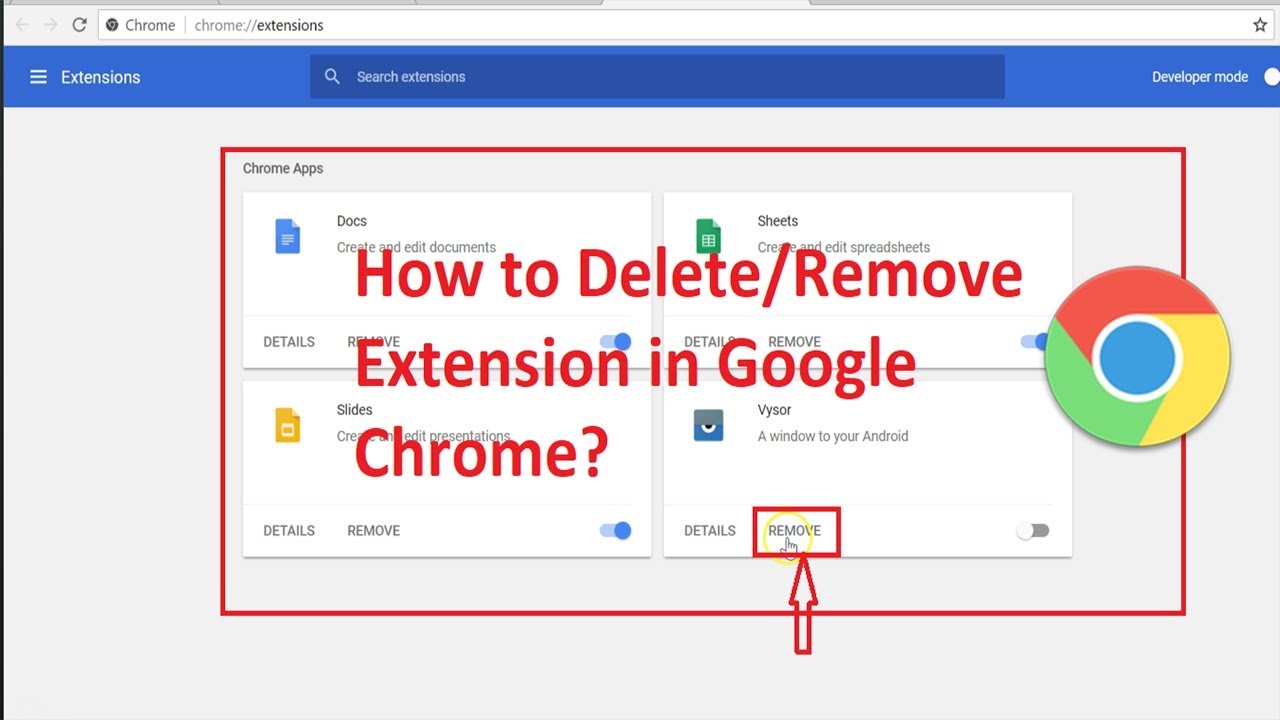
Find the extension you want to remove and click the Remove button.
-
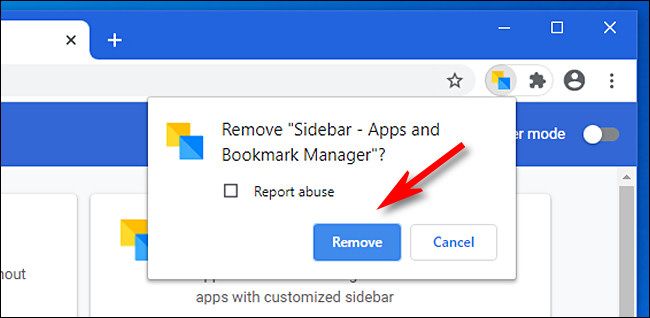
Confirm the removal by clicking Remove in the confirmation dialog.
If you encounter any issues or need further help, visit the Chrome Help Center.